I use Obsidian to store and organize excerpts from AI white papers, articles, my own notes and ideas, and topic notes. After reading white papers I copy paste useful excerpts into the vault according to some 90 thematic categories. This way I have over 2,000 papers represented with a much lighter footprint than the original PDFs would require. I've found that my own collection is much faster and efficient to search and traverse than any AI using websearch.
Inside Obsidian I use Claude to research and write. I built over 900 topic notes using a plugin from arscontexta.org. These topic notes contain a topic description and wikilinks to related topics. Claude uses these when I'm writing, rather than firing deep search against the entire text of all the white paper excerpts. After finding relevant research topics, Claude then obtains the original reference paper titles, urls, and quotes as needed.
Obsidian
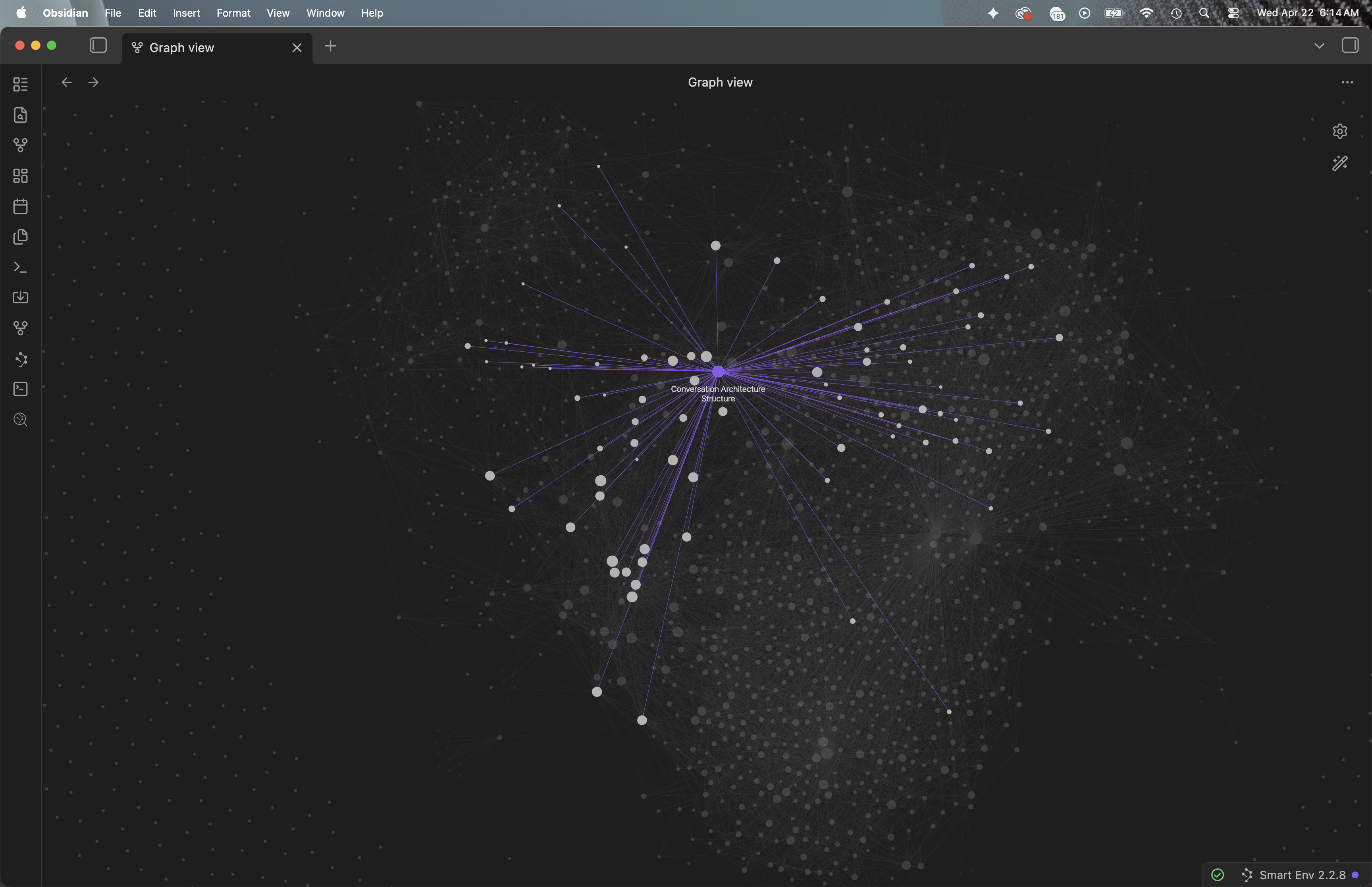
Obsidian graph view. Each node is a topic note or category.
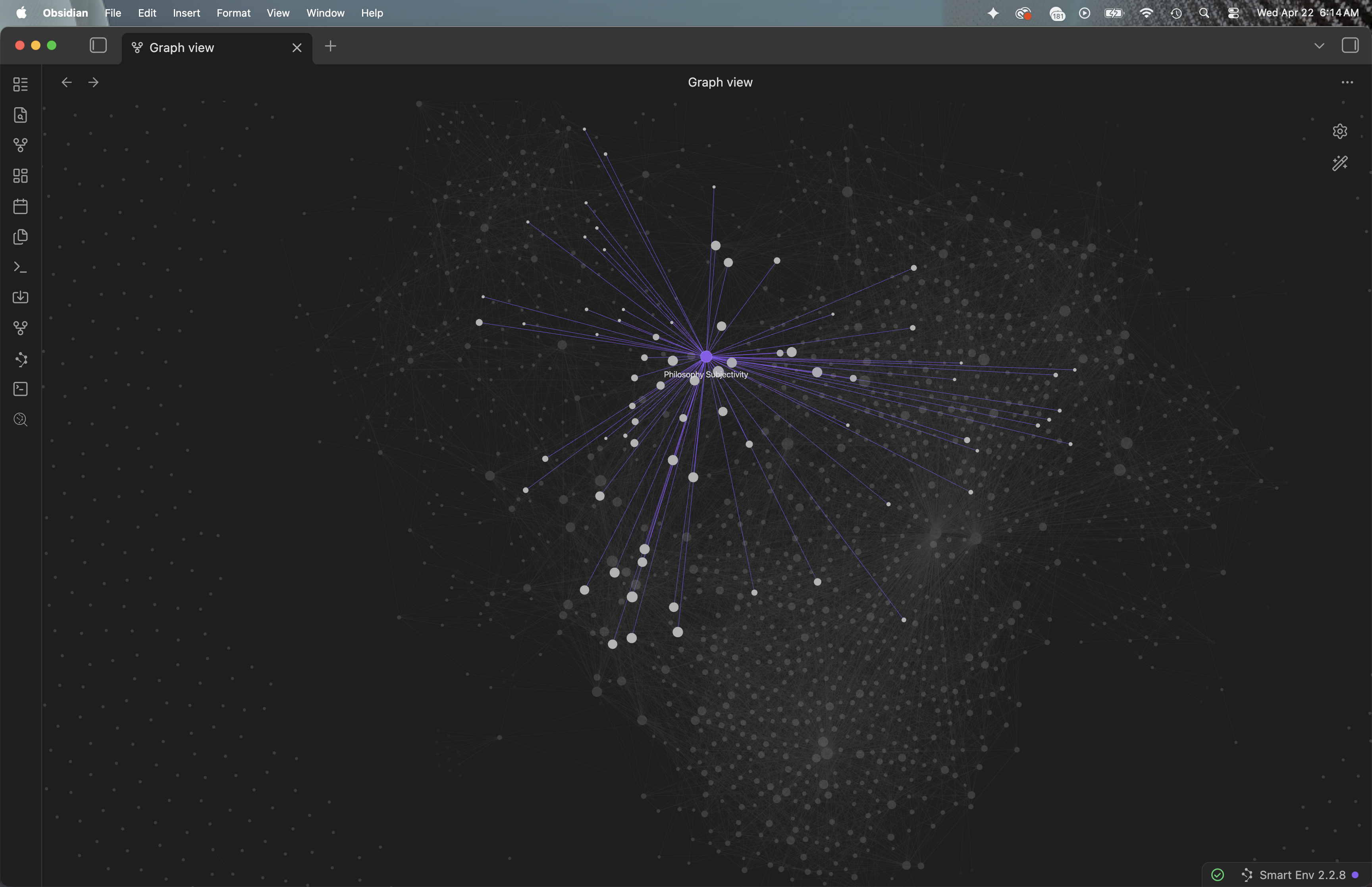
Obsidian graph view with the Philosophy category selected.
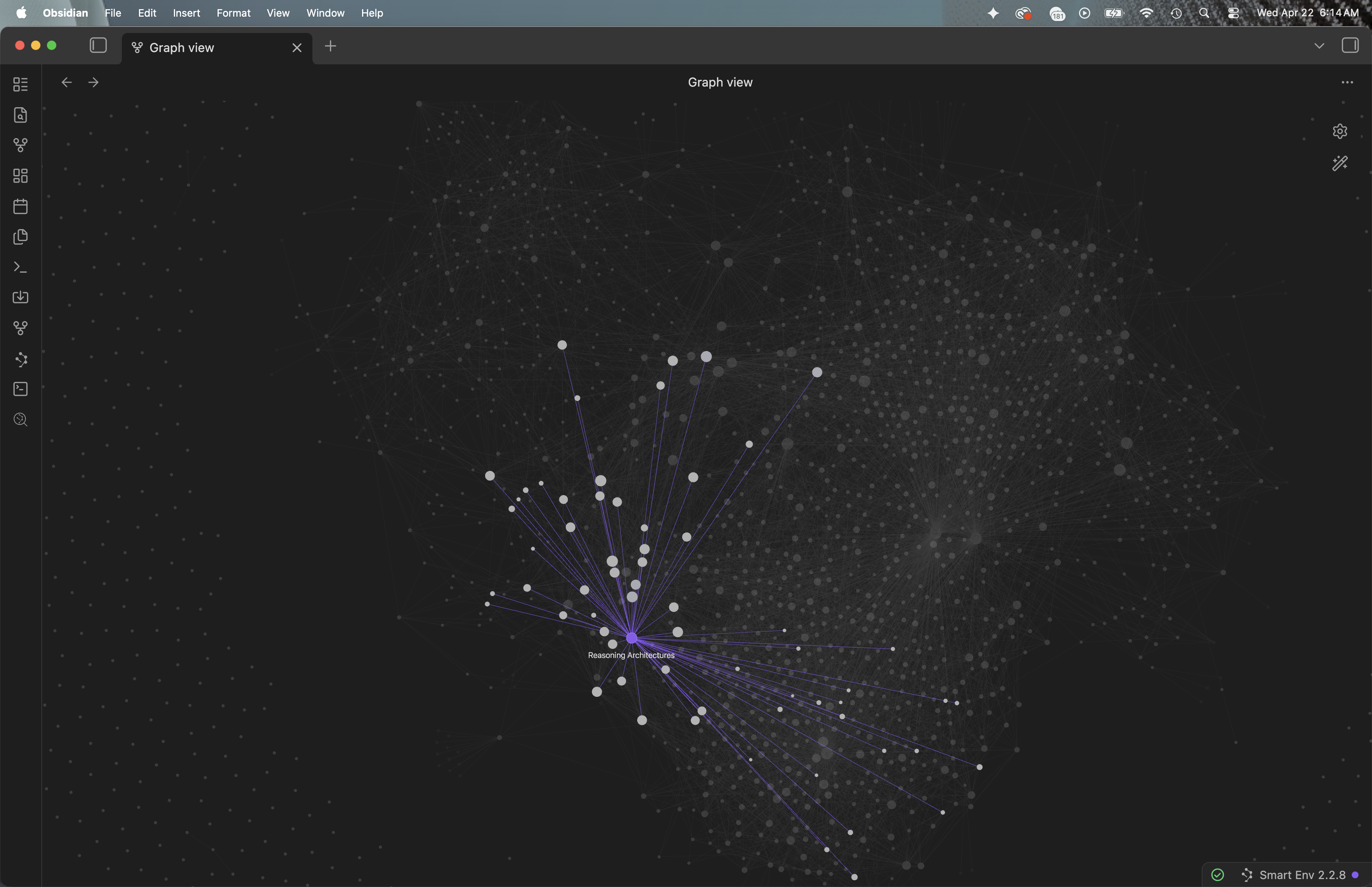
Obsidian graph view with the Reasoning Architectures category selected.
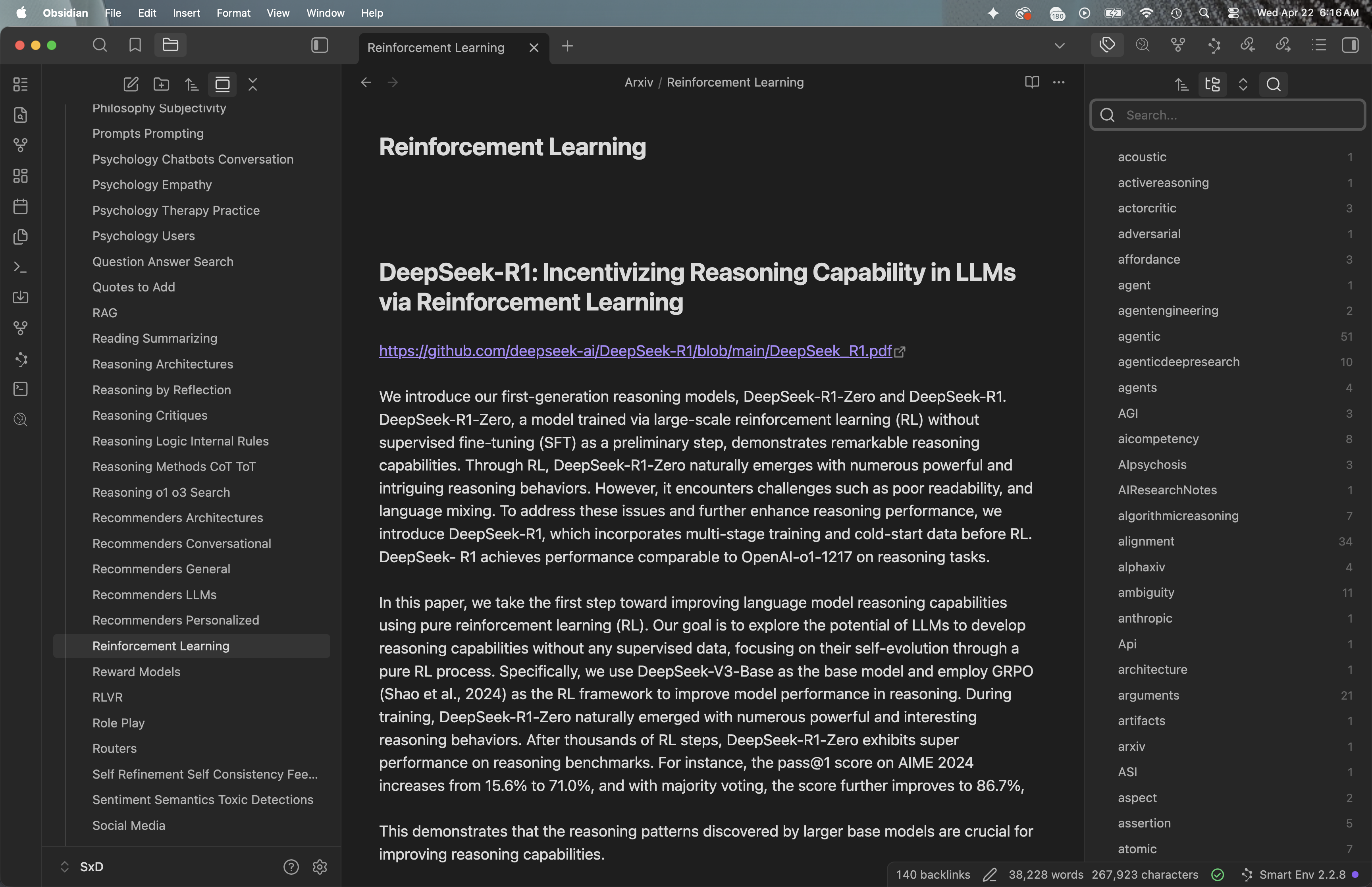
Obsidian graph view with the Reinforcement Learning category selected. White paper categories are on the left. Tags are on the right. In view is the Reinforcement Learning category md file, which contains white paper excerpts related to that category. Each excerpt contains the paper title, url link and links to related categories (but not papers).
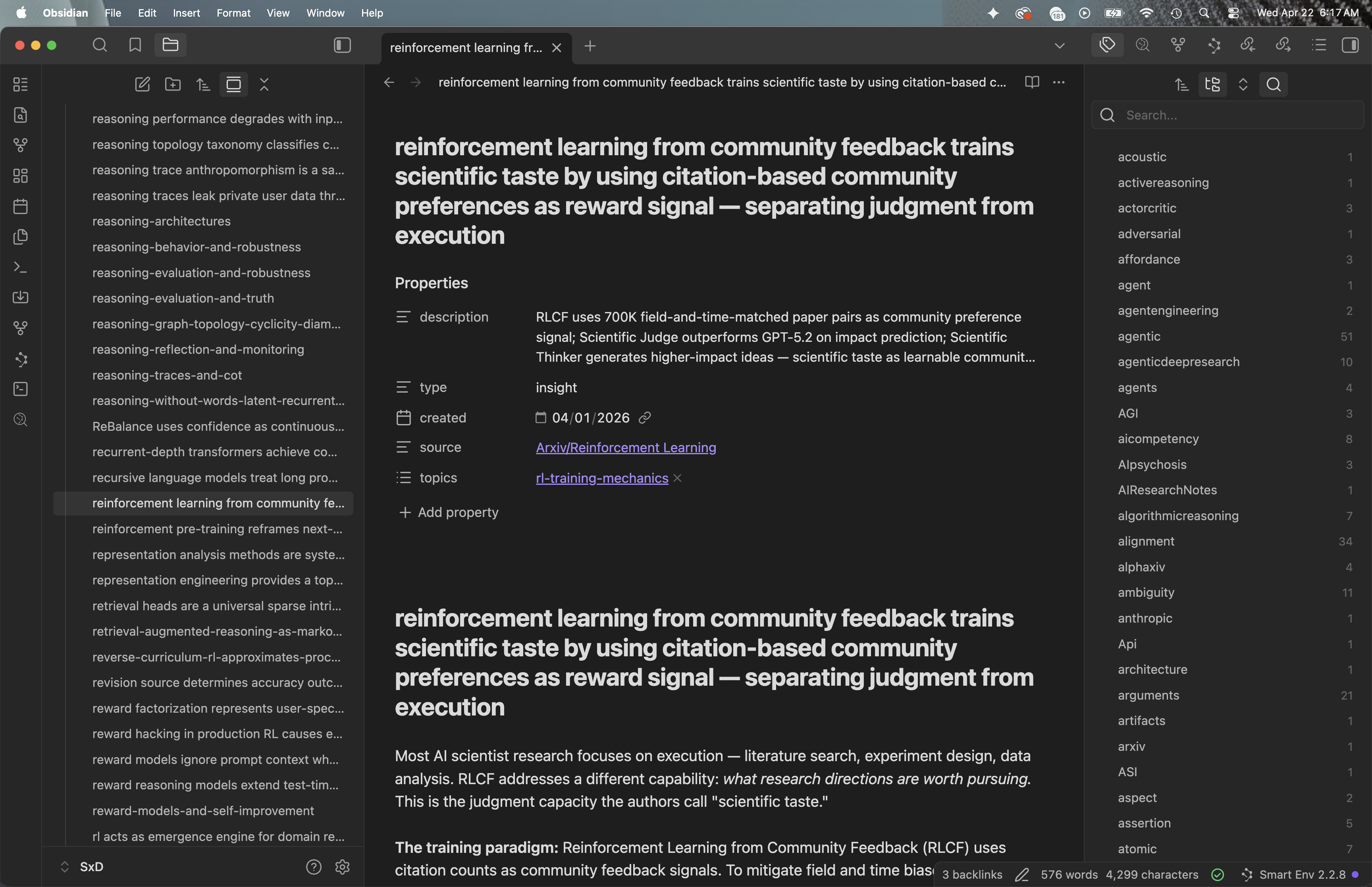
Obsidian graph view with a Reinforcement Learning topic note selected. This was built by the arscontexta plugin, which modifies my Claude.md and provides skills that Claude used to traverse all the categories and create topical connections. There are ten times as many topic notes as there are categories. Each would be good enough to post on its own. Claude did a very good job at summarizing topics and finding related topics. However, a separate prompt is needed to obtain the source white paper titles and urls related to any given topic note.
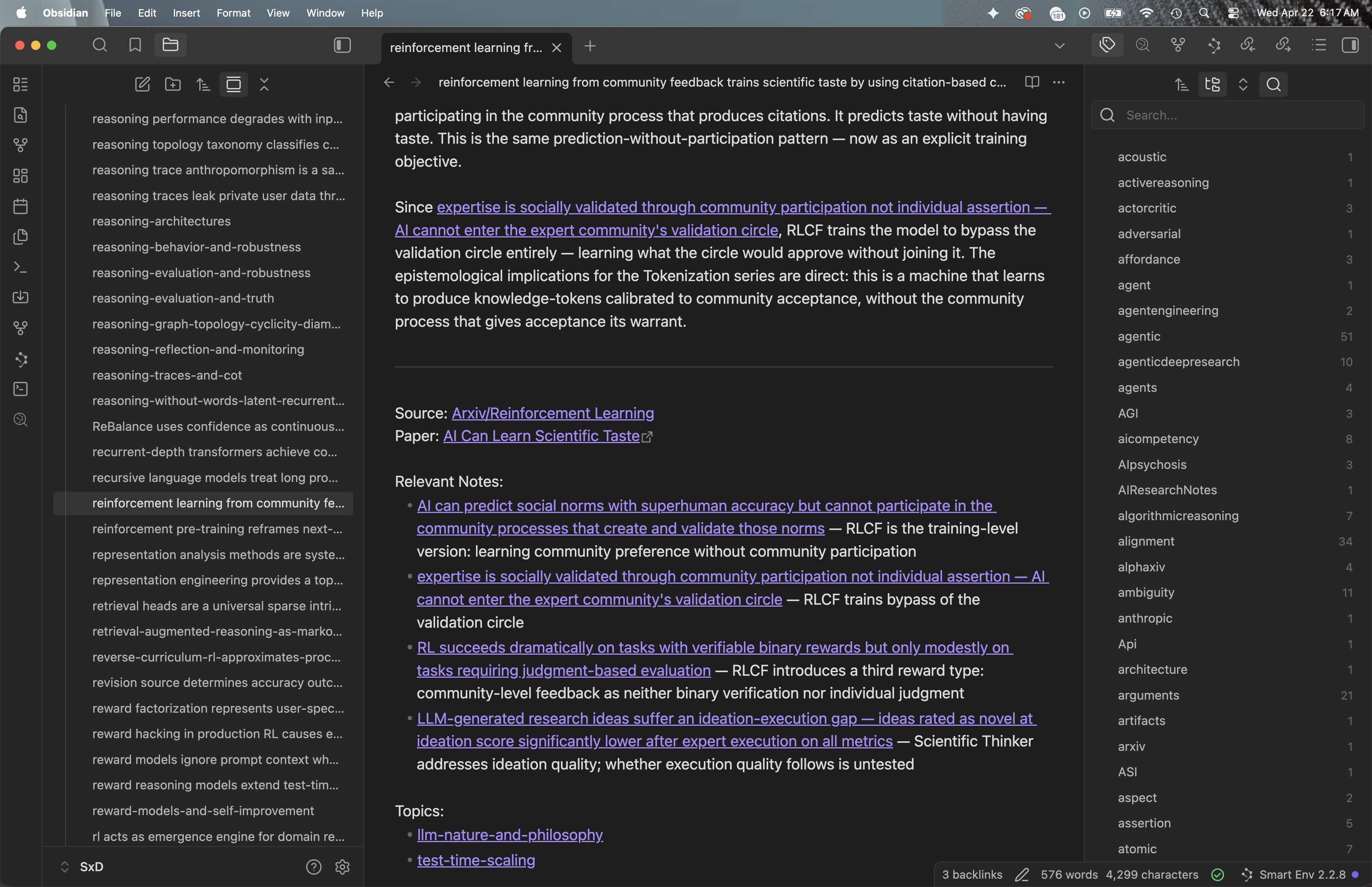
Obsidian graph view with a Reinforcement Learning topic note selected. Here the links are shown at the bottom of the topic note.
The arscontexta layer
Much of what makes this setup actually useful comes from a plugin and methodology called arscontexta. The category files in my Arxiv folder — excerpts organized under roughly 90 thematic headings — were already useful, but they remained a fairly flat archive. What arscontexta does is traverse those categories and generate a layer of topic notes above them. Each topic note is a short synthesis on a specific concept, with wiki-links to adjacent topics. There are around 900 of these in my vault now, and each one, arguably, would stand on its own as a micro-essay. The Obsidian graph visualizations above are pleasant to look at, but the real value of the topic notes is that Claude reaches for them when I am writing, rather than deep-searching across the 2,500 underlying excerpts, which would be both expensive and noisy. The topic layer, in effect, is the index through which the raw material actually becomes usable.
A pipeline, not an archive
One of the things arscontexta changed for me is that the vault stopped being a place where excerpts simply sit. It has become a pipeline. Material enters through an inbox/ folder, gets extracted into synthesis insights in a notes/ folder, gets connected into topic maps, and is periodically updated when newer work sharpens or challenges older insights. The pipeline is mirrored by a small set of skills I can invoke inside Claude Code — /extract for drawing insights out of a source, /connect for finding how new insights relate to existing ones, /update for back-revising older notes in light of new evidence, /verify for quality checks, /reason for exploring a topic before drafting, and /draft for writing a post from the assembled material. Each phase has its own purpose, and a fair amount of the discipline of using the system is simply not mixing them. The aim is quality over speed, which is to say transformation rather than accumulation. An excerpt passively copied from a paper is not yet knowledge; a topic note in which something has been synthesized, framed, and connected to adjacent concepts, is.
CLAUDE.md as the operating manual
The vault has its own CLAUDE.md file, which is an operating manual Claude reads at the start of every session. It sets the philosophy (notes are external memory, wiki-links are connections, topic maps are attention managers), the file structure, the session rhythm, the schema every insight is expected to follow, and a set of common pitfalls to avoid. When the way I want to work with Claude needs to change — because a pattern stopped working, or a new kind of task has come up — the CLAUDE.md gets updated. It is, in effect, how I teach Claude my way of working without retraining the underlying model. For anyone who has tried to keep a complex working relationship with an AI consistent across sessions, this file is the load-bearing piece of the arrangement.
An operational learning loop
The vault also keeps a record of itself. An ops/ folder holds current goals, time-bound reminders, observations about what has been working and what has not, tensions between insights that conflict with one another, and session logs that capture what was done and what was learned. This sounds more bureaucratic than it is in practice. It is the machinery that lets the system stay coherent across sessions that would otherwise start cold. When Claude and I run into friction — a search that fails to find something I know is there, an extraction that produced a shallow summary, a topic map grown past the size at which it can usefully be navigated — the observation is captured, and if the same friction recurs, the CLAUDE.md gets updated to account for it. Insights that turn out to contradict each other become tensions that are explicitly tracked, rather than quietly ignored. The vault, in this sense, is something I am slowly teaching to teach itself. Much of the value of the arrangement is not any single insight, but the habit of keeping the system honest over time.
What the topic layer adds over the category layer
If I had to point to the single largest leverage the arscontexta setup provides, it would be this. Topic notes transform the archive from a reservoir into a network. Category files tell Claude what has been collected under a given header; topic notes tell Claude what has been thought about, how it connects to adjacent thinking, and where the gaps are. The category layer is an archive. The topic layer is a synthesis layer, and the synthesis layer is what actually supports writing. Without it, each session would begin more or less from scratch, with Claude re-reading excerpts and trying to find patterns in them as if for the first time. With it, Claude begins a session already knowing what the vault knows, and can spend its effort on the part that actually matters — finding the argument, picking the angle, writing well.
How this works in practice
Day to day, the work moves between three modes. When I come across new research — a white paper, an article, a thread worth tracking — it goes into inbox/, usually with a short note about why it caught my eye. When I sit down to write on a topic, I ask Claude to /reason over it, which pulls the relevant topic notes and surfaces questions, tensions, and candidate angles before any drafting begins. Once a direction feels clear, I ask Claude to /draft the post, with the modular reasoning playbook shaping the argument. Anything that deserves to become a synthesis insight in its own right gets /extract-ed along the way, and the topic layer keeps growing. The cumulative effect is that my vault and my writing are now tightly linked: the writing pulls from the vault, and the writing adds back to it. Each post is an occasion to refine the vault, and each refinement makes the next post easier to write and more grounded in what the research actually shows.